
Exporting Candidate Lists to Excel or CSV
Rakesh · August 5, 2026 · 3 min read
FastHire exports candidates as a real Excel workbook (.xlsx), not a CSV file. There's no separate "export as CSV" option — but the download opens fine in Excel, Google Sheets, or Numbers, and any of those can re-save it as a CSV afterward if that's specifically the format you need.
Exporting a list
Go to Lists.
Select the download icon next to any list to export it directly, or open the list and select Download Excel.
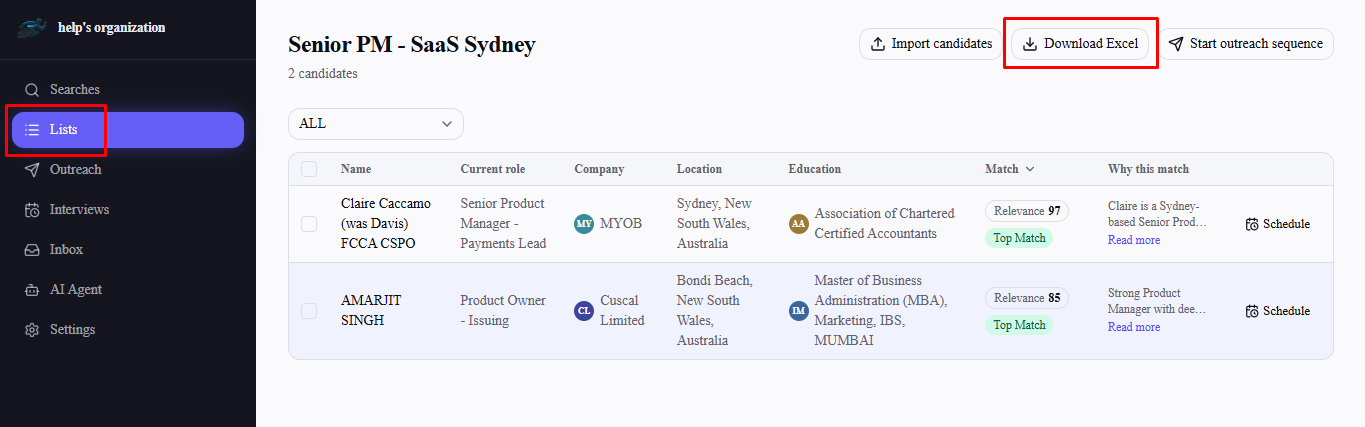
A list export includes: Name, Current role, Company, Location, Education, Email, LinkedIn URL, Match score, and the AI's match reasoning — one row per candidate on that list.
Exporting a search's results
Open any search's results page.
Select Download Excel.
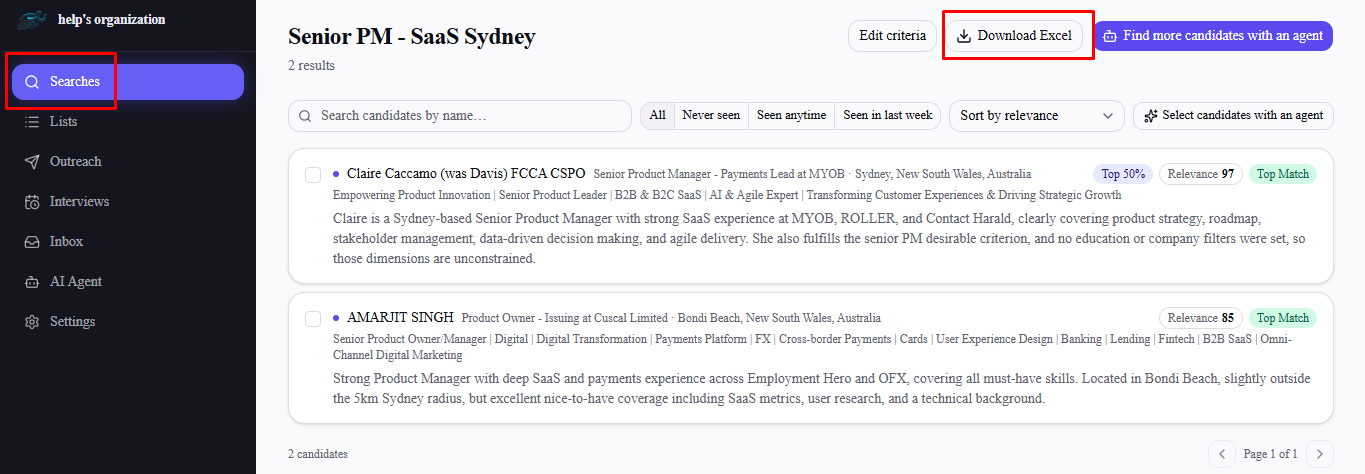
A search export is more detailed than a list export — it adds Headline, Phone, Skills, and each candidate's full Experience and Education history as separate columns, alongside the same Name, Location, Email, LinkedIn URL, Match score, and reasoning fields.
Two interview-related columns are also included for any candidate who's had one: Interview recommendation (the most recent recommendation left across every interviewer) and Interview feedback (every interviewer's notes, one per line, each attributed to who wrote it and when). Both are blank for candidates with no recorded interview feedback.
Frequently asked questions
Can I get a CSV directly instead of Excel?
Not from FastHire directly. Open the downloaded .xlsx file in Excel, Google Sheets, or Numbers and use that program's own "Save As" or "Download as CSV" option.
Why does a list export have fewer columns than a search export?
Lists are meant as a working shortlist, so their export focuses on the essentials. If you need the fuller profile detail (headline, phone, skills, full work and education history), export from the search's results page instead — or add those candidates to a list from a search where that detail is already visible.
Does the exported match score update if I re-run the agent afterward?
No — the export is a snapshot at the moment you download it. Re-run the export after re-running the agent if you want current scores and reasoning.
Are phone numbers and emails always included?
Only when FastHire actually has that data for a candidate — fields are left blank in the export if they weren't available when the candidate was sourced.
Is there a limit to how many candidates I can export at once?
No — every candidate on the list or in the search's results is included in a single export.